






 Settings
 Fast Delivery
 Free Shipping
 Incoterms
 Payment Types


 Marketplace Product
Intro to Embedded Rust - Part 2: Blink and LED | DigiKey
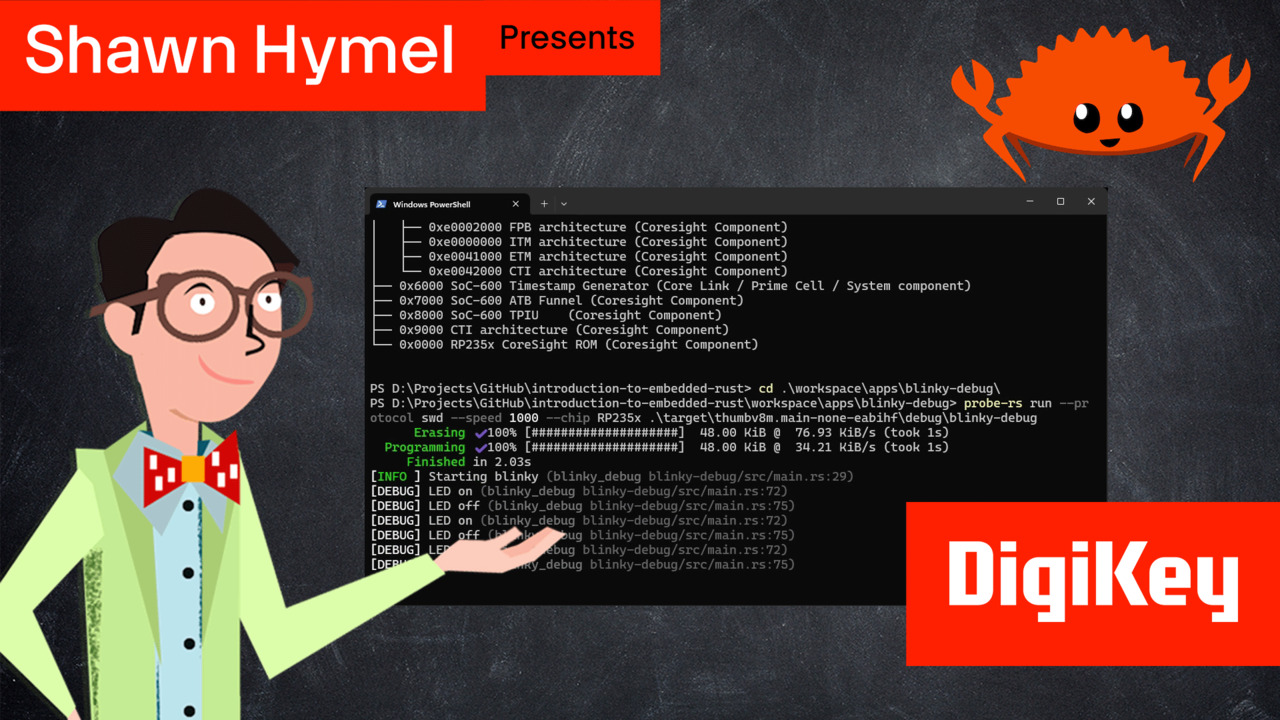
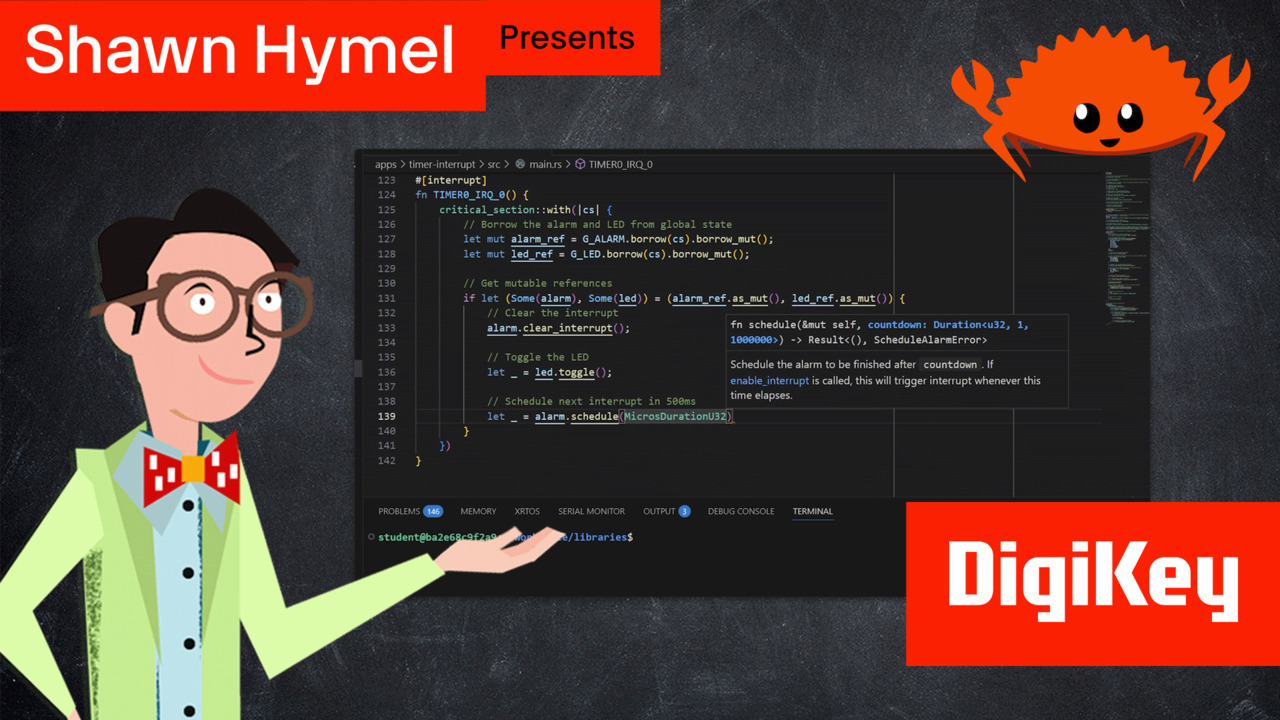
We explore how to create a simple embedded Rust application for the Raspberry Pi Pico 2. We'll walk through building a blinking LED program from scratch, covering essential embedded systems concepts including bare-metal programming, hardware abstraction layers (HAL), and the no_std environment. This tutorial is perfect for developers who want to understand embedded Rust development beyond high-level frameworks like Arduino or MicroPython. The written guide for this episode can be found here: https://www.digikey.com/en/maker/tutorials/2026/intro-to-embedded-rust-part-2-blinking-an-led The GitHub repository containing the Docker image and example code for this series can be found here: https://github.com/ShawnHymel/introduction-to-embedded-rust In this tutorial, you'll learn how to set up an embedded Rust project using Cargo, configure cross-compilation for the ARM Cortex-M33 processor (thumbv8m architecture), and work with the rp235x-hal crate for RP2350 hardware control. We cover the essential project files including Cargo.toml for dependency management, .cargo/config.toml for build configuration, memory.x for defining the linker memory map, and main.rs where we write the actual embedded application. You'll understand how the cortex-m-rt crate handles startup code and memory layout, how the RP2350's Boot ROM initializes your program, and how Rust's type system provides compile-time safety for GPIO operations. This hands-on embedded systems programming tutorial demonstrates key Rust concepts in action, including ownership, type safety, and zero-cost abstractions applied to microcontroller development. We explain why embedded Rust uses #![no_std] and #![no_main] attributes, how to create custom panic handlers for bare-metal environments, and how to control hardware peripherals safely through Rust's ownership system. You'll see how the Pin struct uses generic type parameters to enforce correct GPIO usage at compile time, preventing common embedded programming errors before your code ever runs on the hardware. By the end of this tutorial, you'll have a working blinky LED program running on your Raspberry Pi Pico 2 and a solid foundation for more advanced embedded Rust projects. This example serves as a template for future projects where we'll add USB serial communication, interrupts, and more complex peripheral interactions. Whether you're coming from C/C++ embedded development or from higher-level Rust programming, this tutorial bridges the gap and shows you how to leverage Rust's powerful features in resource-constrained embedded systems.


Part List
| Image | Manufacturer Part Number | Description | Available Quantity | Price | View Details | |
|---|---|---|---|---|---|---|
 |  | SC1631 | RASPBERRY PI PICO 2 RP2350 | 25969 - Immediate | $19.70 | View Details |
|  | SC1633 | RASPBERRY PI PICO 2 W RP2350 | 5961 - Immediate | $27.58 | View Details |
|  | SC1634 | RASPBERRY PI PICO 2 WH RP2350 | 2195 - Immediate | $31.52 | View Details |
|  | SC1632 | RASPBERRY PI PICO 2 H RP2350 | 2614 - Immediate | $23.64 | View Details |
|  | LTL-4224 | LED RED CLEAR T-1 3/4 T/H | 72310 - Immediate | $0.55 | View Details |
|  | 13314 | TMP102 DIGITAL TEMP SENSOR BOARD | 248 - Immediate | $23.44 | View Details |
|  | CF14JT220R | RES 220 OHM 5% 1/4W AXIAL | 109124 - Immediate 30000 - Factory Stock | $0.39 | View Details |
|  | 1825910-6 | SWITCH TACTILE SPST-NO 0.05A 24V | 42542 - Immediate | $0.51 | View Details |
|  | 1957 | JUMPER WIRE M TO M 6" 28AWG | 3609 - Immediate | $7.68 | View Details |
|  | FIT0096 | BREADBRD TERM STRIP 3.20X2.00" | 3452 - Immediate | $11.43 | View Details |
|  | DH-20M50055 | USB AM TO USB MICRO, USB 2.0 - 1 | 10945 - Immediate | $6.11 | View Details |







 Malaysia